
3 Project Management Tools That Stop Scope Creep (Budget vs. Actuals)
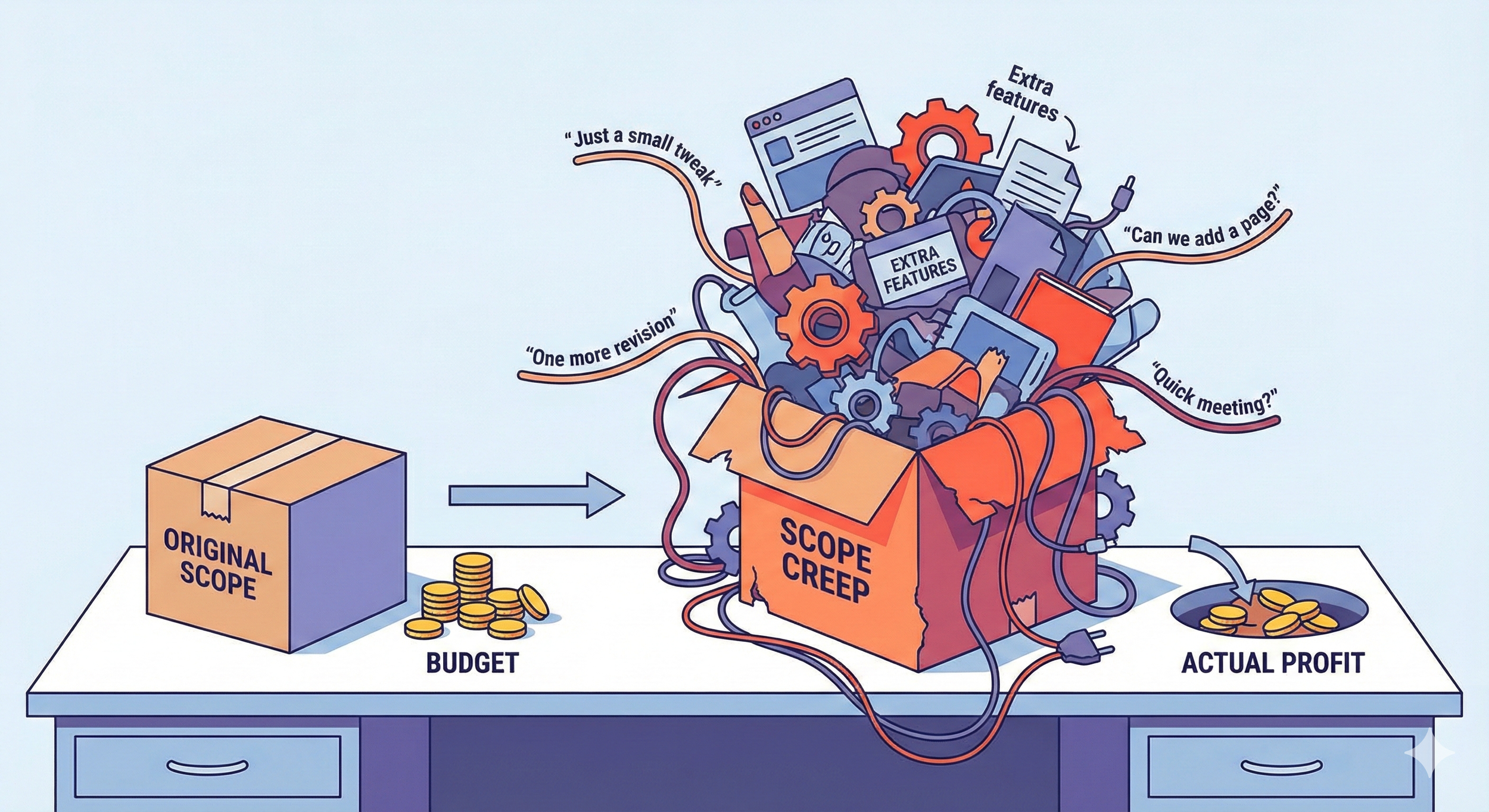
You quoted the client $10,000 for the project. In your head, you calculated: "This will take us 50 hours. At our rate, we make a great profit."
But then the client asked for a "small tweak." Then another. Then a meeting ran long.
Suddenly, you have spent 80 hours on the project. You are still getting paid $10,000, but your effective hourly rate has plummeted.
This is scope creep, and it is the silent killer of agency profitability.
The only way to stop it is visibility. You need a project management tool that tracks budget (planned) against actuals (spent) in real-time, alerting you the moment a project starts to bleed money.
Scope creep rarely happens in big meetings. It usually happens in “quick” direct messages. To stop this leak, you first need to master Managing Ad-Hoc Requests in Slack.
Here are the 3 best tools for tracking profitability alongside your tasks.
1. Monday.com: The Visual "Red Alert"
Monday.com is fantastic for agency owners who hate spreadsheets and just want a visual dashboard of their financial health.
The Feature: The "Numbers Column" combined with the "Formula Column."
How it works: You create a column for "Budgeted Hours" (e.g., 10 hours). As your team logs time (or checks off tasks), Monday subtracts that from the total.
The "Stop Creep" Moment: You can set up a Dashboard Widget that turns a progress bar RED the moment a project hits 80% of its budget. If you see red, you know you need to have a change order conversation with the client immediately.
Best For: Visual thinkers who want high-level health checks.
2. ClickUp: The Granular Time Tracker
If you need to know exactly which task caused the project to go over budget (e.g., "Why did the Homepage Header take 12 hours?"), ClickUp is the answer.
The Feature: Native Time Tracking + Time Estimates.
How it works: Every task in ClickUp allows you to set a "Time Estimate." Your team tracks time directly on the task using the built-in timer. ClickUp then calculates the variance automatically.
The "Stop Creep" Moment: The "Rollup" feature enables you to see that you estimated 40 hours but have already spent 38. You catch the overage before the phase is finished.
Best For: Operations Managers who need to micromanage hours.
ClickUp’s granular time tracking is a major upgrade over simpler tools. If you are currently stuck on a basic Kanban board, read our guide on Switching from Trello to ClickUp.
3. Wrike: The Financial Heavyweight
Wrike is built for agencies that need to track cost (what you pay your team) vs. revenue (what you charge the client).
The Feature: Job Roles & Billable Rates.
How it works: You can assign specific hourly rates to users (e.g., a Senior Designer costs $150/hr, a Junior costs $75/hr). Wrike calculates the budget usage based on who did the work.
The "Stop Creep" Moment: Wrike’s Budget Report will show you that while you are only 50% through the timeline, you have burned 75% of the budget because you had expensive senior staff doing junior-level work.
Best For: Larger agencies managing complex billing structures.
| Tool | Budget Feature | The "Killer" Advantage | Best For... |
|---|---|---|---|
| Monday.com | Numbers & Formula Columns | Visual "Red/Green" Dashboards | Visualizing project health at a glance. |
| ClickUp | Time Estimates vs. Actuals | Granular Task-Level Tracking | Micromanaging hours & tasks. |
| Wrike | Job Roles & Billable Rates | Tracks Cost vs. Revenue | Complex agencies & profitability. |
Conclusion: Don't Just Work, Track.
If you are using tools like Trello or Basecamp, you are managing the work, but you aren't managing the business.
Switching to a tool that supports budget vs. actuals changes the conversation with your team. Instead of asking "Is it done?", you start asking "Are we on budget?" which is the question that helps you scale.
Tracking the budget is only half the battle. You also need to track your team's energy. Read our guide on Visual Workload Tools to ensure you aren't burning out the people who do the work.
ScaleUp Tip: The "80% Alert"
In Monday.com or ClickUp, set an automation: "When Time Tracked reaches 80% of Estimate -> Post a message to Slack."
This gives you a buffer. You have 20% of the budget left to either finish the work or call the client to approve more hours.
Now that you are tracking the budget, make sure your team is working efficiently. Use Tools with Built-in SOPs to ensure they aren't wasting billable hours searching for instructions.
