
Stop Guessing Who Is Busy: 4 Project Management Tools With Visual Workload Views
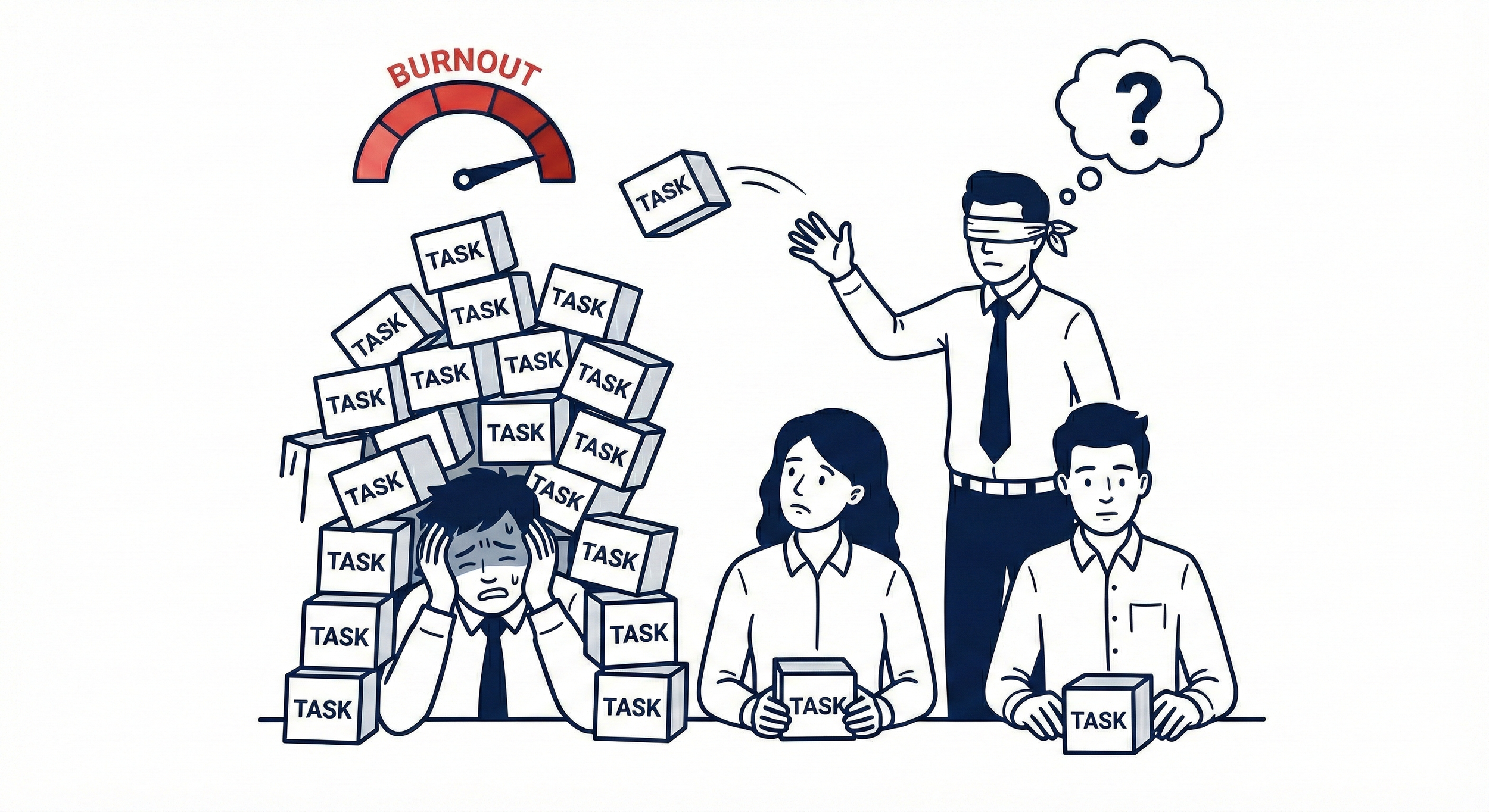
You just signed a big new client. You turn to your lead designer and ask if they can take the lead. They say yes because they are a team player.
Two weeks later, the project is delayed, the quality is slipping, and your lead designer is threatening to quit.
Why? Because while you knew they were capable, you didn't know they were at capacity.
Most project management tools (like Trello or Basecamp) are great at showing you what needs to be done, but they are terrible at showing you who has time to do it. You are essentially assigning work blindfolded.
To scale without burning out your best people, you need a tool with a dashboard that shows you exactly who is overloaded and who has free time before you assign a task.
Here are the 4 best tools for managing team capacity.
Burnout often comes from hidden work that never made it onto the board. Make sure you are Capturing Slack Requests so every task is accounted for in your workload view.
1. Monday.com: The Visual "Red Alert"
Monday.com is famous for being colorful and intuitive, and its approach to workload management is the most "human" friendly.
How it works: Instead of complex spreadsheets, Monday uses simple visual circles (bubbles). If a bubble is blue, the person is fine. If the bubble turns red, they are over their weekly limit.
Why it helps: It removes the math. You don't need to analyze hours; you just look for the red circles. If you see one, you can drag-and-drop a task from the "overloaded" person to a "free" person right on the chart.
Best For: Creative teams and managers who want a quick "pulse check" on stress levels.
2. ClickUp: The Granular Choice
If you need to manage capacity down to the hour (e.g., "Sarah has 2 hours available on Tuesday afternoon"), ClickUp is the precision tool.
How it works: ClickUp allows you to set capacity in different ways: Hours, Task Count, or Agile Points. You can see a two-week view where every day is a bar chart.
Why it helps: It prevents the daily buildup. You might see that an employee is fine for the week total, but has 12 hours of work assigned for Friday alone. ClickUp visualizes this spike so you can level it out earlier in the week.
Best For: Operations managers who need to balance hours and schedules tightly.
3. Asana: The High-Level Portfolio
Asana tackles workload from a Portfolio perspective. It is less about micromanaging daily hours and more about seeing capacity across multiple projects at once.
How it works: Asana pulls data from every project an employee is part of. It displays a trend line showing their capacity over time.
Why it helps: Often, an employee looks free on your project, but is swamped on someone else's. Asana brings all those tasks into one single capacity line, revealing the true load.
Best For: Marketing teams and larger organizations with multiple departments.
4. Wrike: The Resource Planner
Wrike is a heavyweight when it comes to resource planning. Unlike the others, which mostly track tasks, Wrike allows you to book time slots.
How it works: You can assign job roles (e.g., Senior Developer) and book their time for future projects that haven't even started yet.
Why it helps: Forward planning. You can see that your Copywriter is fully booked for next month, meaning you need to hire a freelancer now rather than waiting until the deadline hits.
Best For: Agencies that need to forecast hiring needs based on upcoming contracts.
| Tool | Workload Feature | Visual Style | Best For... |
|---|---|---|---|
| Monday.com | Workload Widget | Color-Coded Bubbles | Visual "Pulse Checks" & Simplicity. |
| ClickUp | Workload View | Daily Bar Charts | Granular Day-to-Day Management. |
| Asana | Portfolios | Trend Lines | Managing Across Multiple Projects. |
| Wrike | Resource Booking | Gantt-Style Planner | Forecasting & Future Planning. |
Conclusion: Visibility Saves Teams
Your team doesn't want to burn out. They burn out because they don't know how to say "I'm at capacity" without feeling like they are letting you down.
By using the workload views in Monday.com, ClickUp, Asana, or Wrike, you take the pressure off them. You can see the problem before it happens and reassign the work proactively.
Choose Monday if you want it to be simple and friendly.
Choose ClickUp if you track hourly work.
Choose Asana if you juggle many projects.
Choose Wrike if you need to plan months in advance.
ScaleUp Tip: The Wednesday Check
Every Wednesday morning, open your Workload View for 5 minutes.
Look for anyone in the Red. If you see someone over capacity, message them immediately: "I see you are overloaded for Friday. Let's move that deadline to next Tuesday."
You will gain more loyalty with that one message than with a thousand team building exercises.
Now that you've balanced the workload, make the work easier to do. Use Tools with Built-in Wikis so your team spends less time searching for answers and more time executing.
